> ## Documentation Index
> Fetch the complete documentation index at: https://docs.gcore.com/llms.txt
> Use this file to discover all available pages before exploring further.
# Troubleshoot blocked SMTP ports
SMTP ports 25, 465, and 587 are blocked when the system detects unusual outbound email traffic from a virtual server. This is a spam prevention measure.
## Verify the block
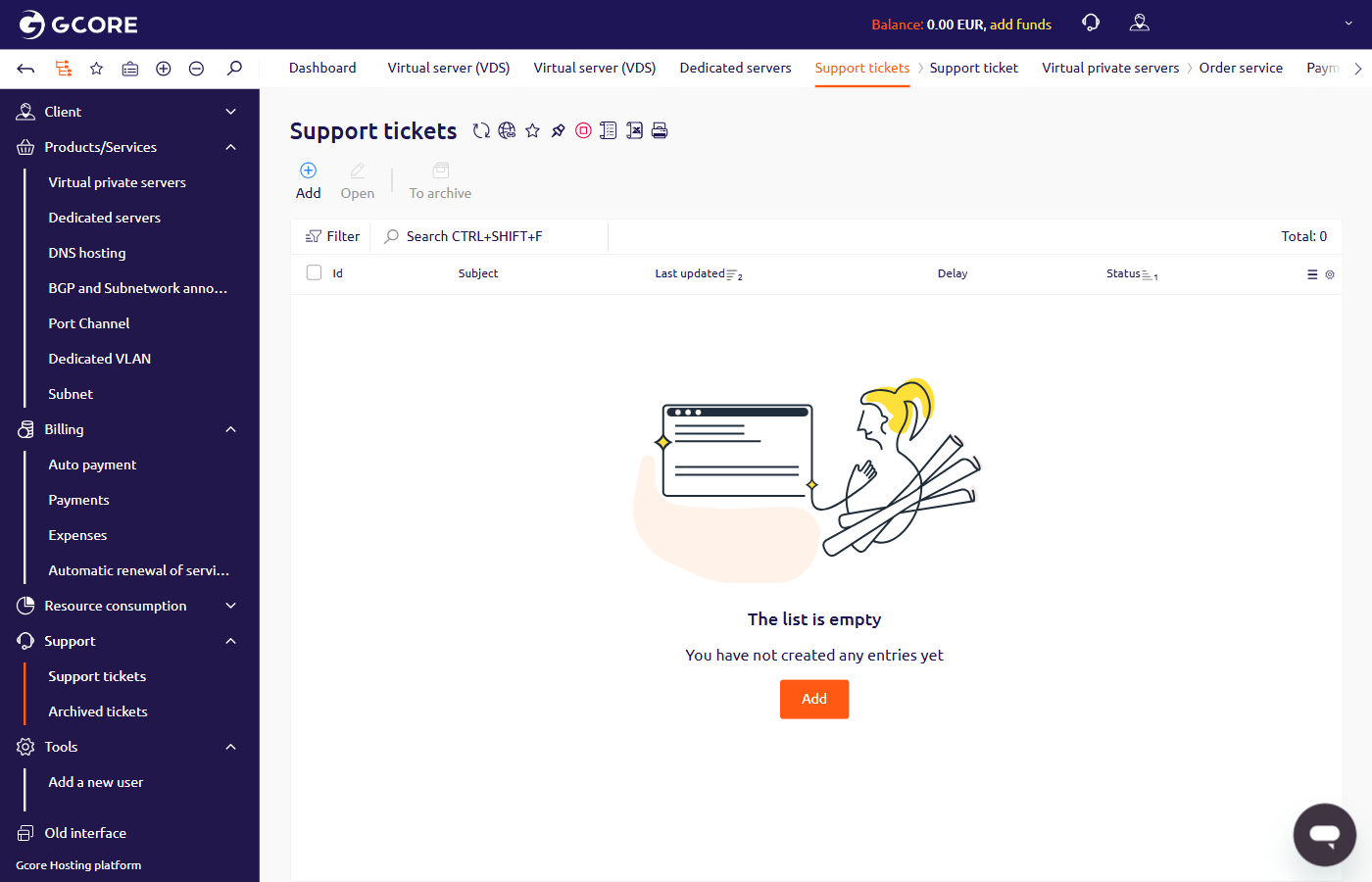
To verify whether the ports were blocked, navigate to **Support** > **Support tickets** in the [Hosting portal](https://hosting.gcore.com/billmgr). A blocking notification appears as a ticket with the subject "SMTP ports have been blocked" in the list.
 ## Blocking policy
Per paragraph two (d) of the [usage policy](https://gcore.com/legal), servers cannot be used to send unsolicited emails, chain letters, or spam. Outbound email is restricted to users of services hosted on Gcore servers.
## Request unblocking
[Contact support](/hosting/contact-our-technical-support) and include the details that match the situation:
| Scenario | Provide |
| --------------------------------------------------------------------- | -------------------------------------------------------------------------------------------------------- |
| Legitimate email was sent | The domain name of the service whose users received the mailing |
| No mailing was sent, but blocking notifications appeared | The server setting that caused excessive SMTP traffic and how it was fixed |
| No mailing was sent, no notifications appeared, but ports do not work | Confirm that no blocking notification was received and describe any recent network configuration changes |
## Blocking policy
Per paragraph two (d) of the [usage policy](https://gcore.com/legal), servers cannot be used to send unsolicited emails, chain letters, or spam. Outbound email is restricted to users of services hosted on Gcore servers.
## Request unblocking
[Contact support](/hosting/contact-our-technical-support) and include the details that match the situation:
| Scenario | Provide |
| --------------------------------------------------------------------- | -------------------------------------------------------------------------------------------------------- |
| Legitimate email was sent | The domain name of the service whose users received the mailing |
| No mailing was sent, but blocking notifications appeared | The server setting that caused excessive SMTP traffic and how it was fixed |
| No mailing was sent, no notifications appeared, but ports do not work | Confirm that no blocking notification was received and describe any recent network configuration changes |