

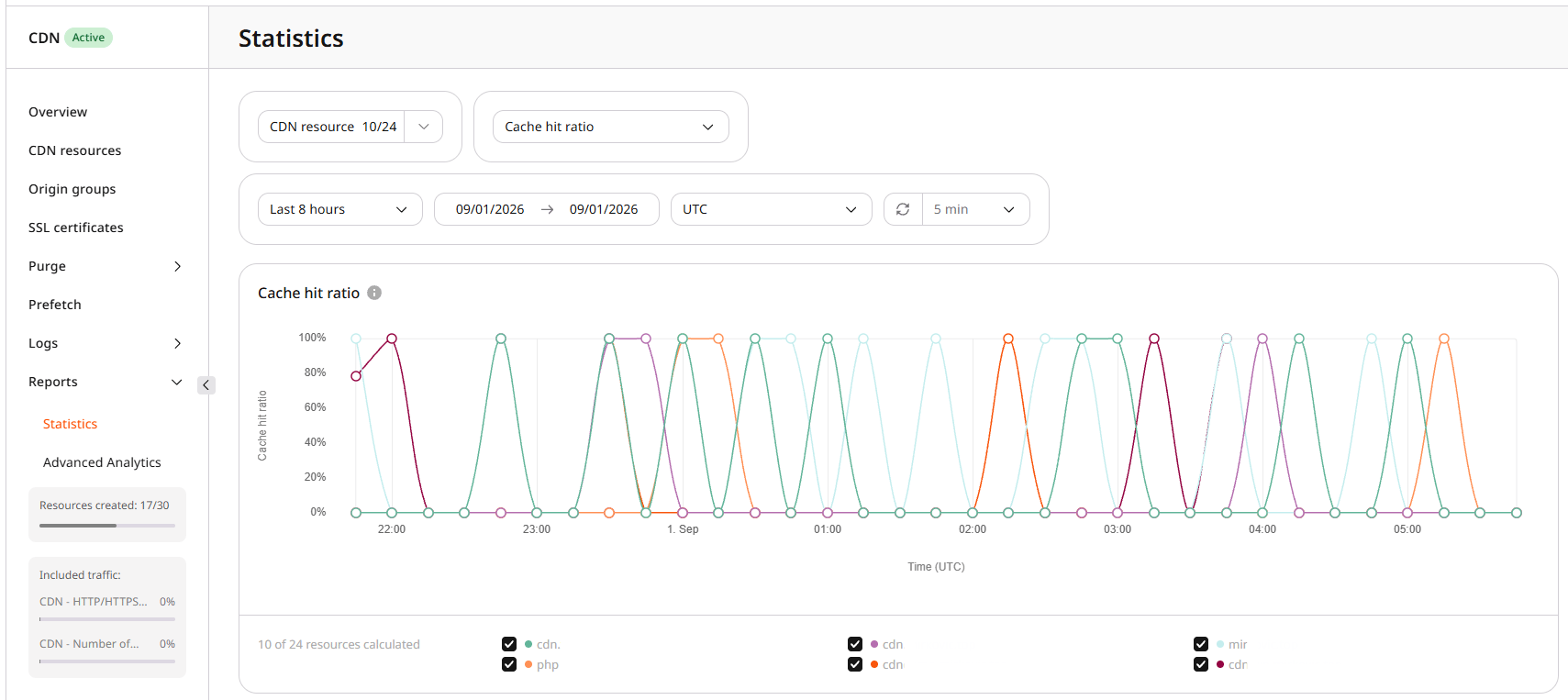
Expected cache hit ratio depends on the workload. Dynamic content that cannot be reused from cache is expected to show a low ratio. Static assets that are requested often usually show a higher ratio.
Effect of a low ratio
A low ratio means many requests are proxied to the origin instead of being served from cache. A cached request is served from the edge back to the client. An uncached request adds an origin fetch, so latency rises with that extra hop.Checks for a low ratio
Work through the checks in order. Compare Cache hit ratio with Traffic and Requests in Statistics so a quiet period is not mistaken for a cache problem. Complete Statistics data for a finished period is available at least two days after that period ends. Charts that are still in progress can show incomplete values. That reporting delay is separate from cache warm-up, which has no fixed duration. Statistics marks cache hit rates below 60% in red on Overview as a visual highlight, not as a diagnostic cutoff. For this troubleshooting flow, start investigating when the ratio stays below about 80% after the cache has had time to fill, because that is where origin-bypass causes usually show up. The right target still depends on the workload.- Inspect caching headers with
curl -I. Consecutive requests in the same region can land on different servers and mix HIT and MISS, so compareCache-ControlandCacheon the same object.
Cache-Control and Cache values that stop shared caching or force origin revalidation:
Those headers show whether the origin or the CDN is preventing a HIT. Arbitrary custom request headers do not create unique cache objects by themselves. They affect caching only when they are part of the cache key, listed in
Vary, or used by a bypass rule.
-
Open the resource OPTIONS tab and check CDN caching under Cache. The option must be enabled. For CDN controlled, do not set cache expiry to
0. For Origin controlled,max-age=0,no-cache,no-store, orprivateon the origin reduce shared-cache HITs unless that behavior is required. -
In Cache, review Query string and Set-Cookie. Query parameters are part of the request URL;
Set-Cookieis a response header. When Ignore query string is off, each distinct query string is a separate cache object. When Ignore Set-Cookie is off, eachSet-Cookievalue is a separate cache object.