Consumption by days
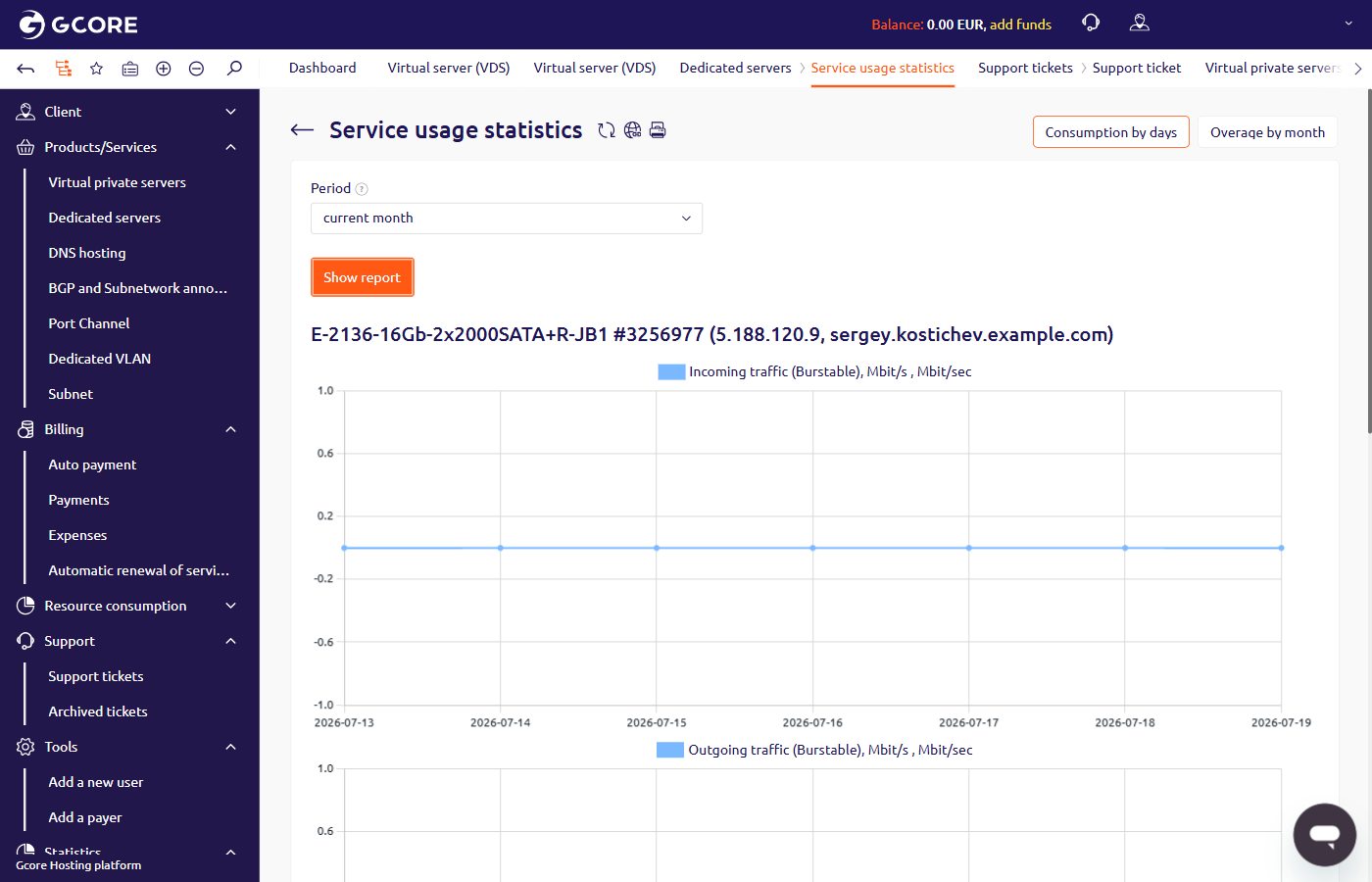
To view daily incoming and outgoing traffic:- In the Hosting Portal, navigate to Dedicated servers.
- Select the server and click Statistics in the toolbar.
- On the Service usage statistics page, select a period and click Show report.
Overage by month
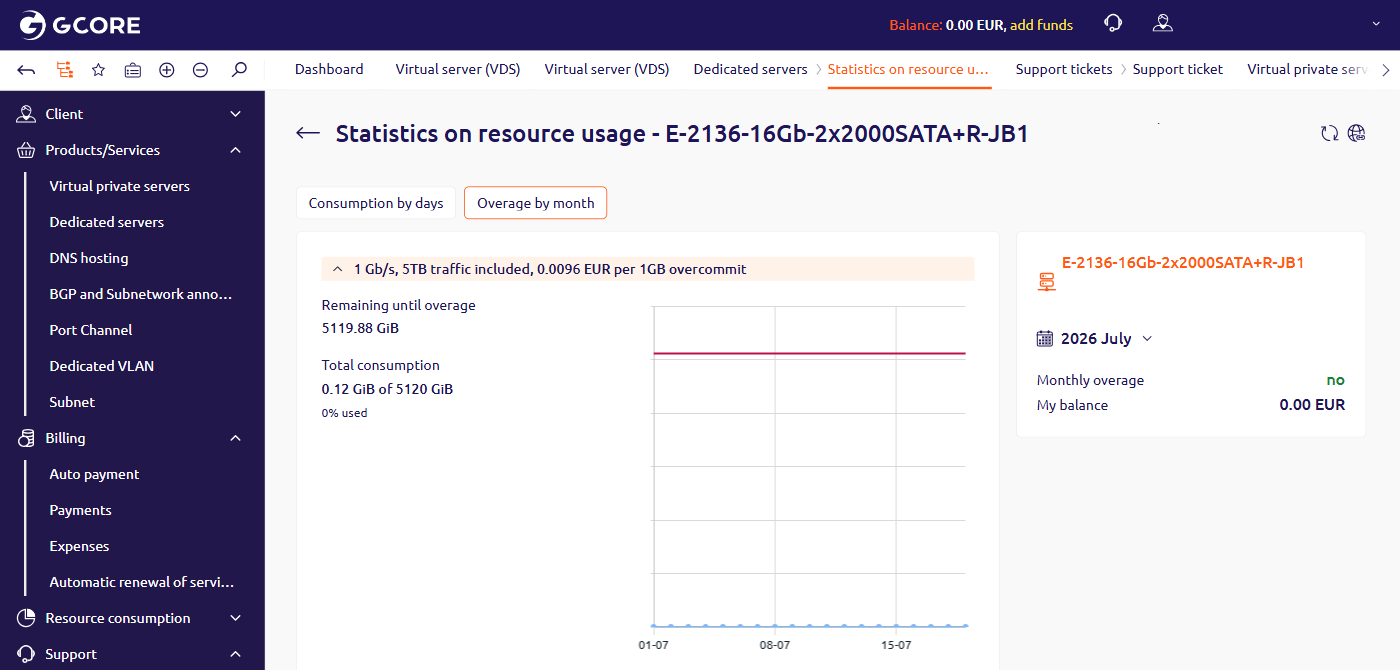
The Overage by month tab shows total data consumption against the monthly included quota, along with remaining bandwidth and any overage charges for the selected month. To view the overage report, click Overage by month at the top of the Service usage statistics page.