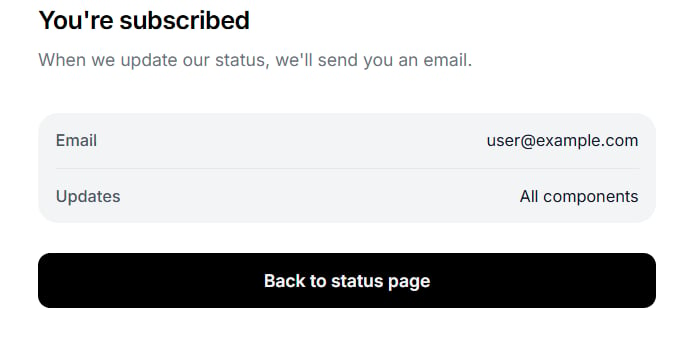
Get updates
Click Get updates in the upper-right corner.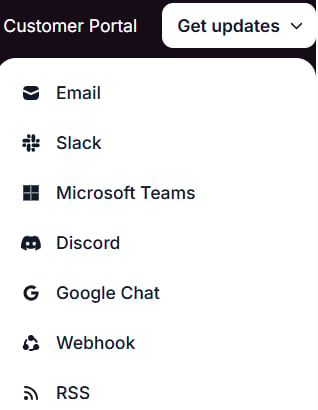
- Select Email.
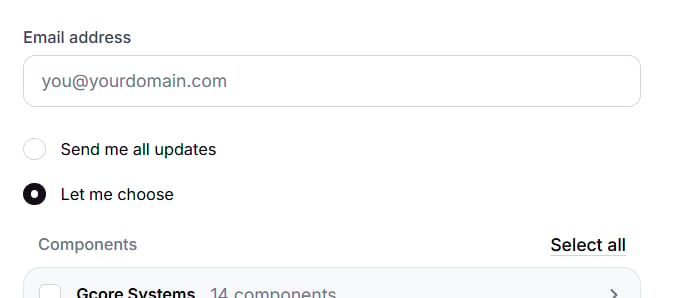
- Enter your email address in Email address.
- Keep Send me all updates, or select Let me choose and pick components. Select all selects every component.
- Click Subscribe.
Slack
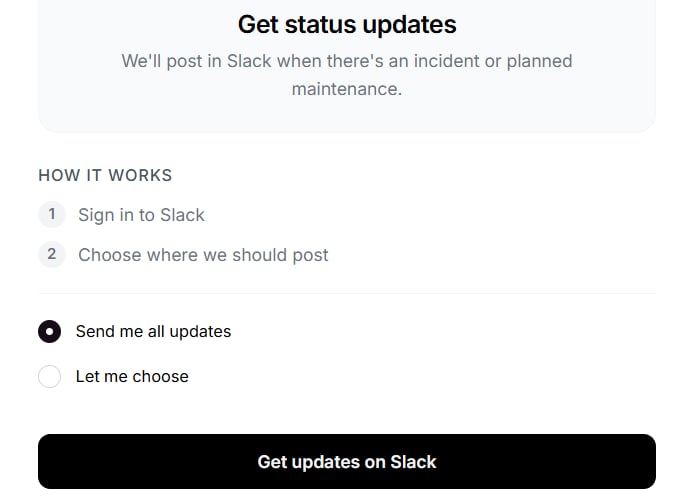
To subscribe in Slack:- Select Slack.
- Keep Send me all updates, or select Let me choose and pick components.
- Click Get updates on Slack. Sign in to Slack and complete Choose where we should post.
Webhook
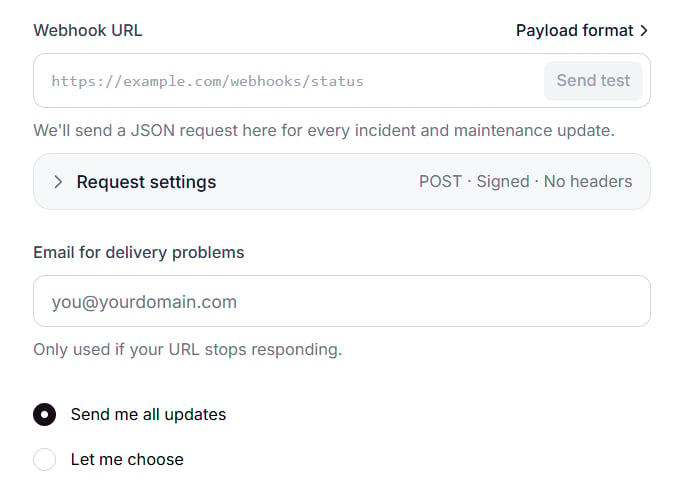
A webhook subscription sends a JSON request to a URL for each incident and maintenance update.- Select Webhook.
- Enter the endpoint in Webhook URL. Send test becomes available after the URL is entered. Request settings sets the method, headers, and signing secret. By default, requests use POST, include a signature, and have no custom headers.
- Enter an address in Email for delivery problems. Status Page uses that address when the URL stops responding.
- Keep Send me all updates, or select Let me choose and pick components.
- Click Subscribe.
Components
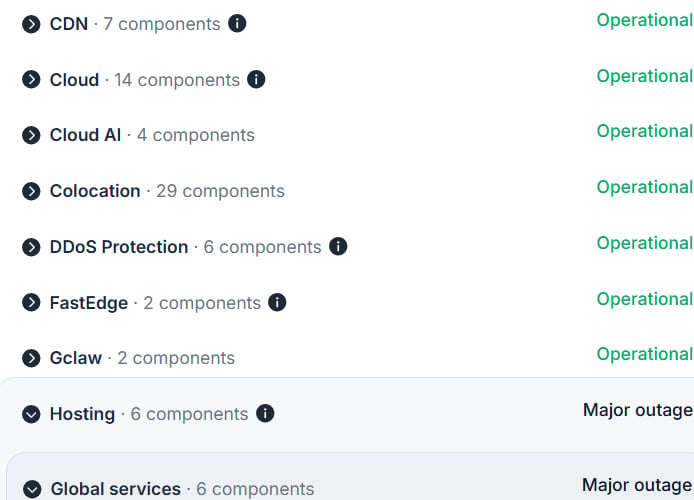
Components are grouped by service: Gcore Systems, CDN, Cloud, Cloud AI, Colocation, DDoS Protection, FastEdge, Gclaw, Hosting, Managed DNS, Object Storage, Streaming, WAAP, and Edge Proxy. Hosting components are further organized by region. A component shows Operational, Partial outage, or Major outage.