Roadmap is a public feedback board where Gcore customers submit feature requests, follow their development status, and comment on posts submitted by other users. It is reached directly, or from the book icon in the top-right corner of the Gcore Customer Portal. The following Gcore products have a dedicated board in Roadmap: CDN, Cloud, FastEdge, Managed DNS, Streaming, Technical Support, Customer Portal, and WAAP.

Roadmap navigation

Roadmap has three tabs in the top navigation: Roadmap, Products, and Changelog.

Roadmap

The Roadmap tab lists every submitted post across all products, divided into four columns.
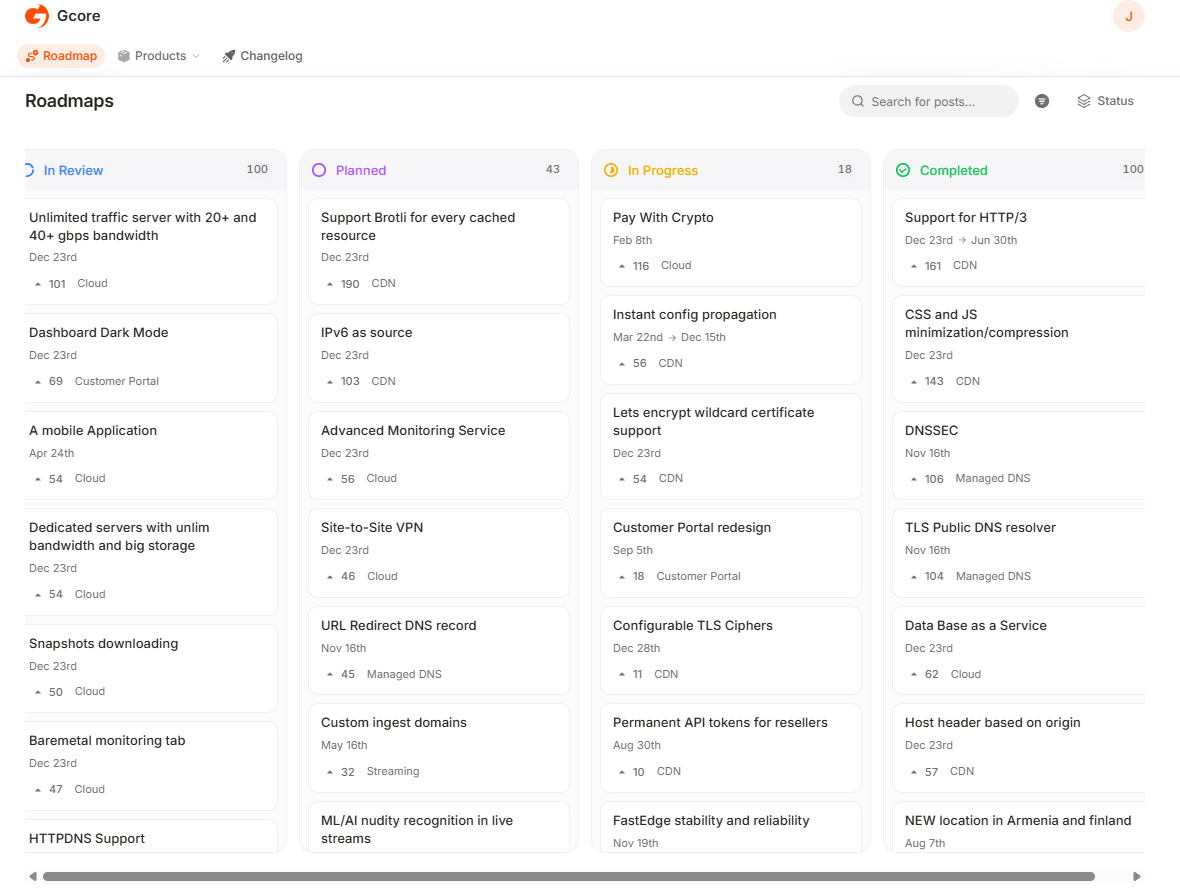
Roadmap page with In Review, Planned, In Progress, and Completed columns
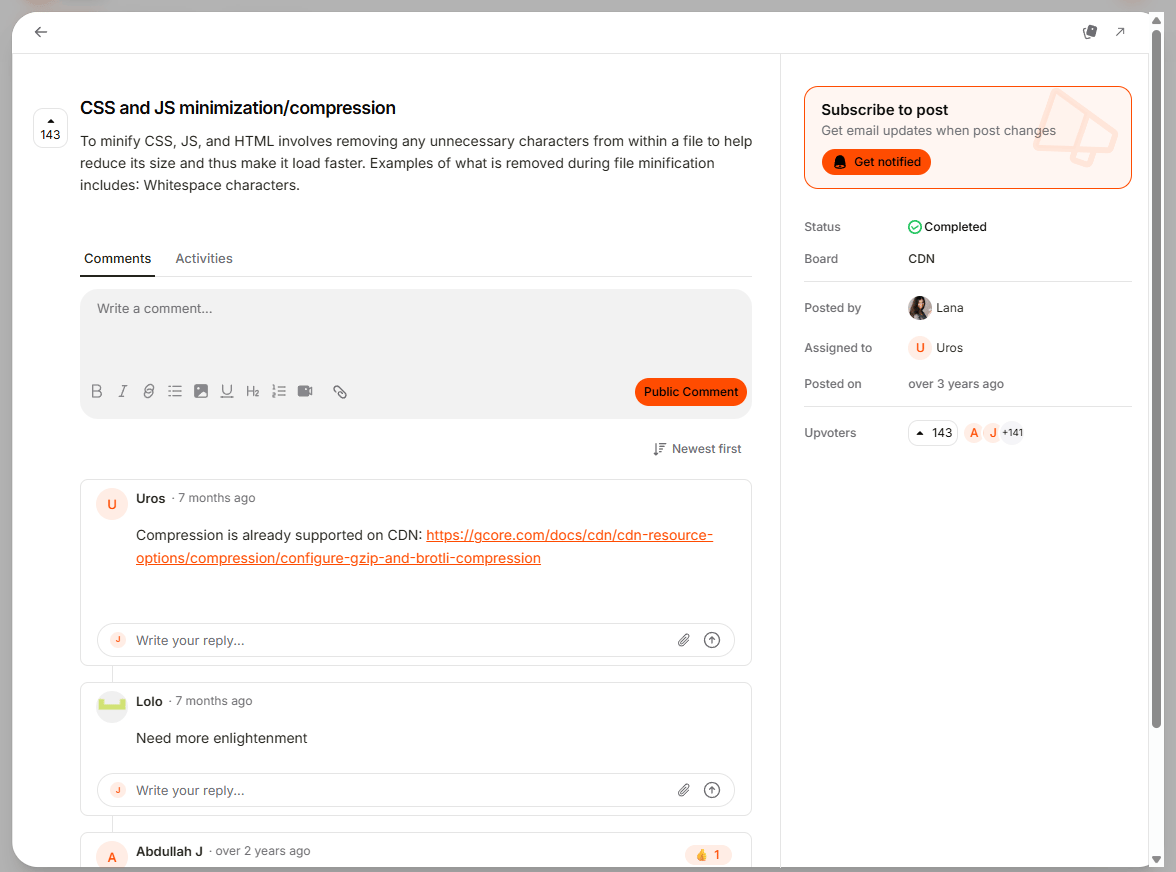
Clicking a post opens its status, board, who posted it, who is assigned to it, and when it was posted, alongside a comment thread and the current list of upvoters.
Post detail page with status, board, and subscribe panel

Products

The Products menu filters posts down to a single board.
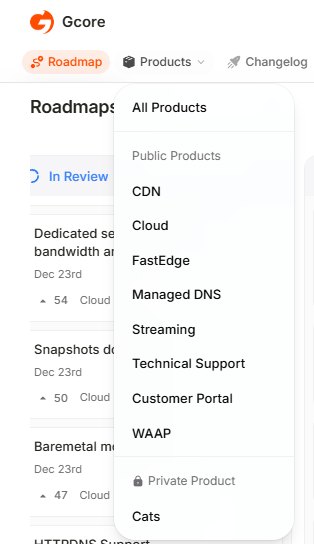
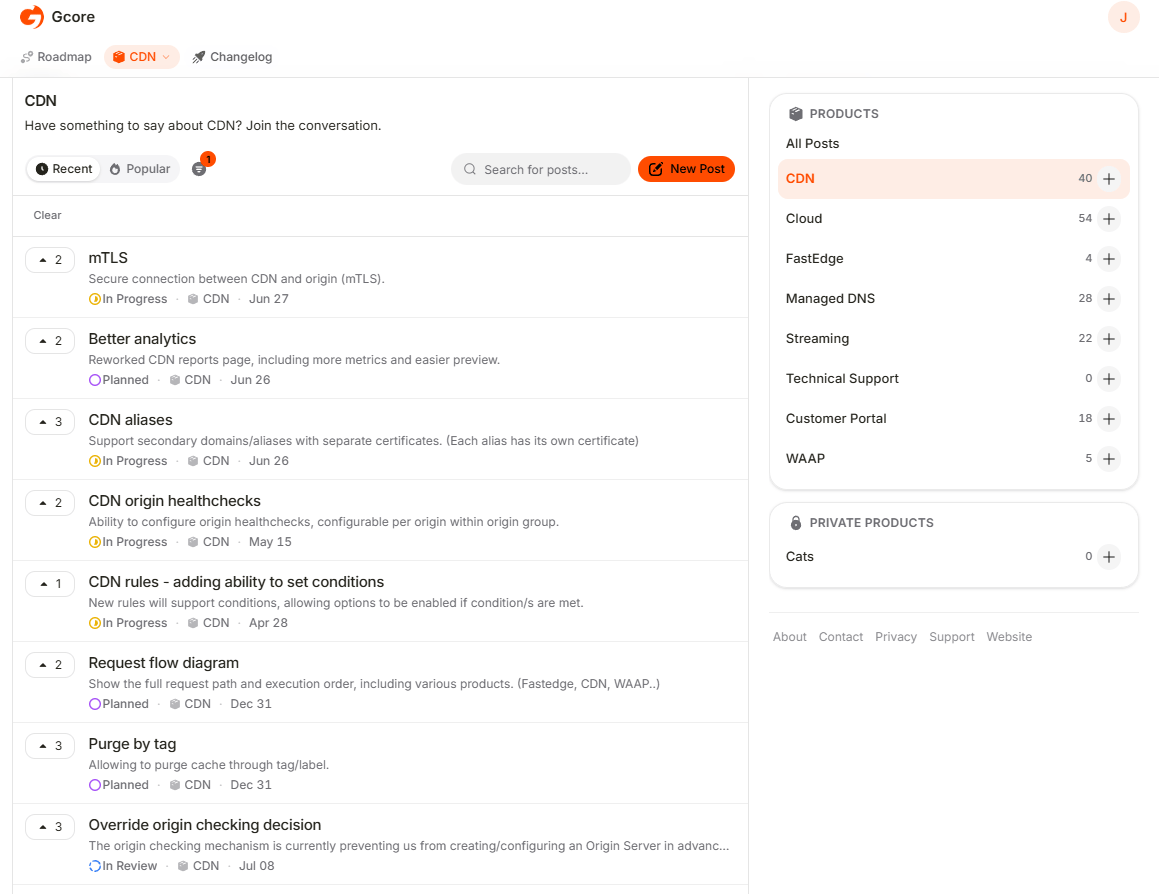
Products menu expanded with the list of boards
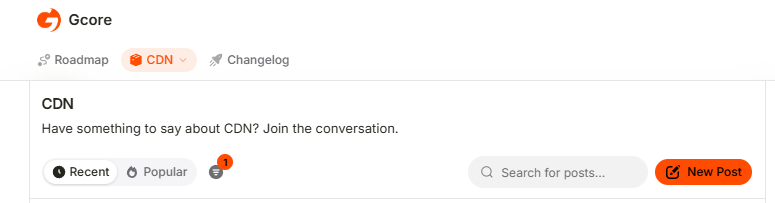
Selecting a board opens a page listing every post for that board, sorted by Recent or Popular and filtered further using the search bar. A sidebar lists every board with its post count, for quick switching between boards.
CDN board with post list and product sidebar

Changelog

The Changelog tab lists the latest Gcore releases, searchable and filterable by label; each entry supports emoji reactions, and the Subscribe button sends an email whenever a new entry publishes.
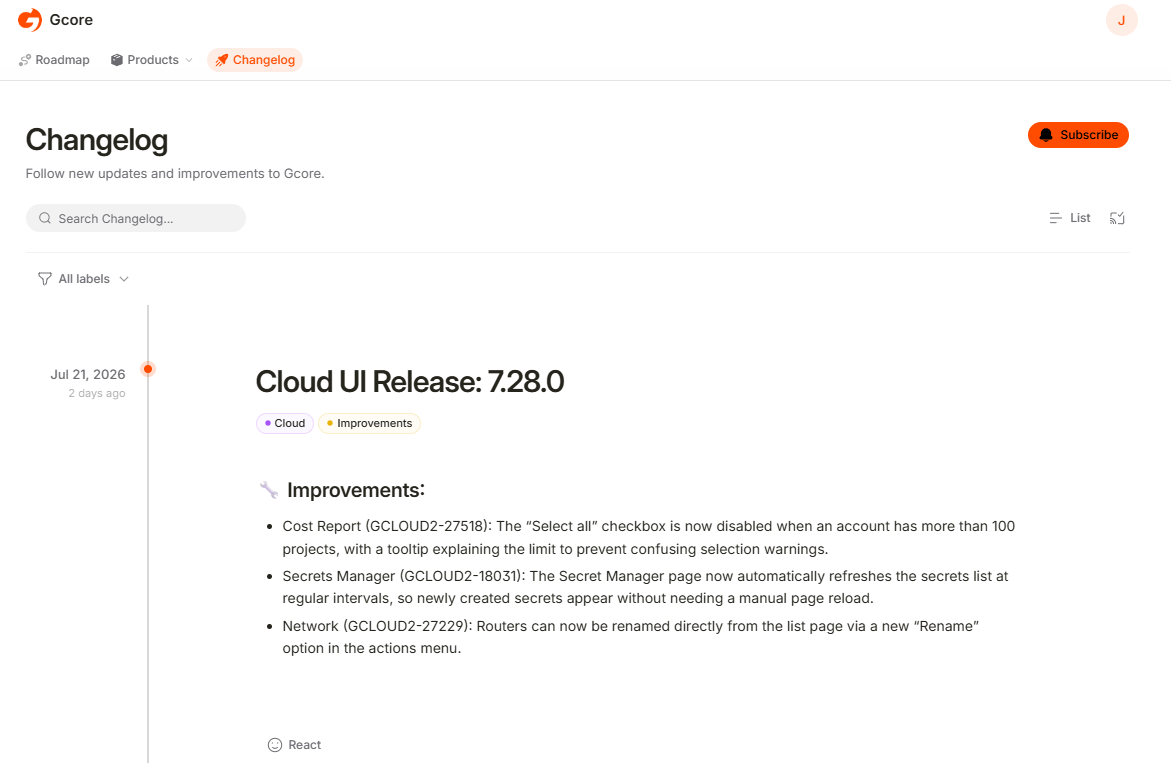
Changelog page with a release entry and label filters

Authorized and unauthorized access

Roadmap uses the same Gcore account as the Customer Portal; sign in or sign up with email, a passkey, SSO, Google, Apple, GitHub, or Microsoft. Authorized and unauthorized users have different access levels.

New post creation

To submit a feature request:
  1. Click New Post.
New Post button on a board page
  1. Enter a title and description, select a board if one is not already selected, and click New Post.
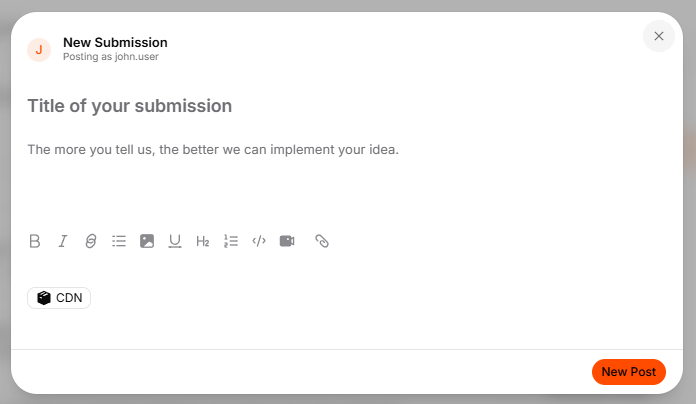
New Submission form with title, description, and board fields
The new post appears in the In Review column.

Post subscriptions

To track activity on a specific request, open the post and click Get notified in the Subscribe to post panel.
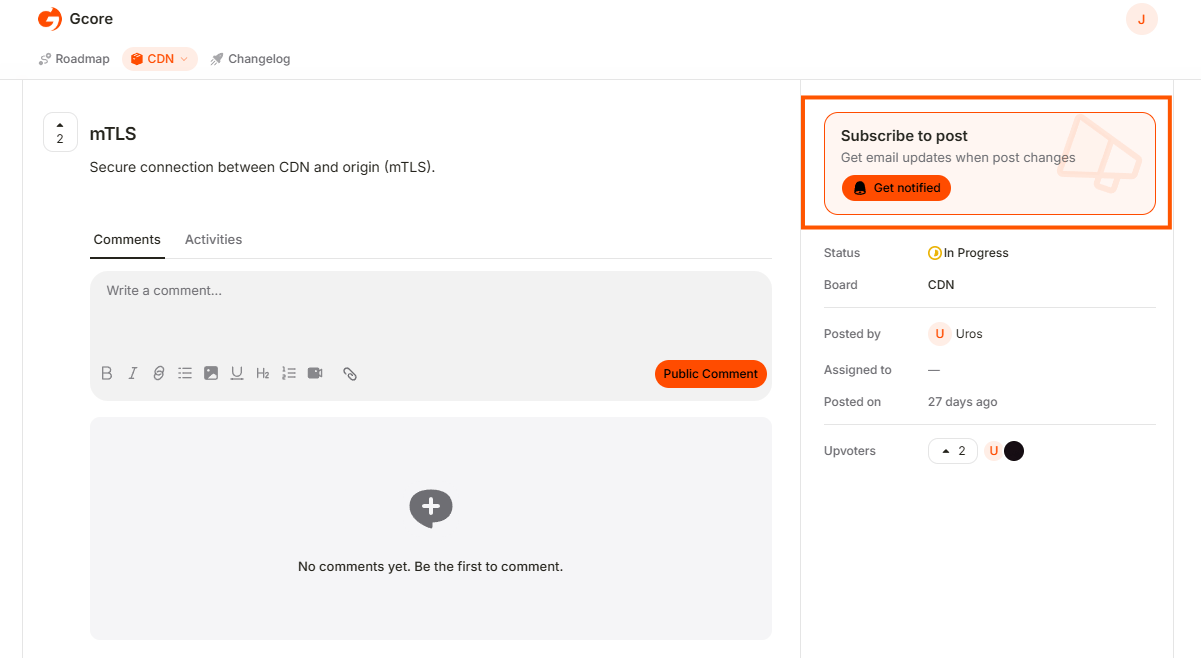
Subscribe to post panel with the Get notified button