Create an account
Creating an account takes a few minutes:1
Open the sign-up page
Navigate to Gcore and click Sign up for free in the top navigation.
2
Create the account
Enter an email address and password, then click Start for free. Alternatively, click Google or GitHub to create the account with an existing account from either provider.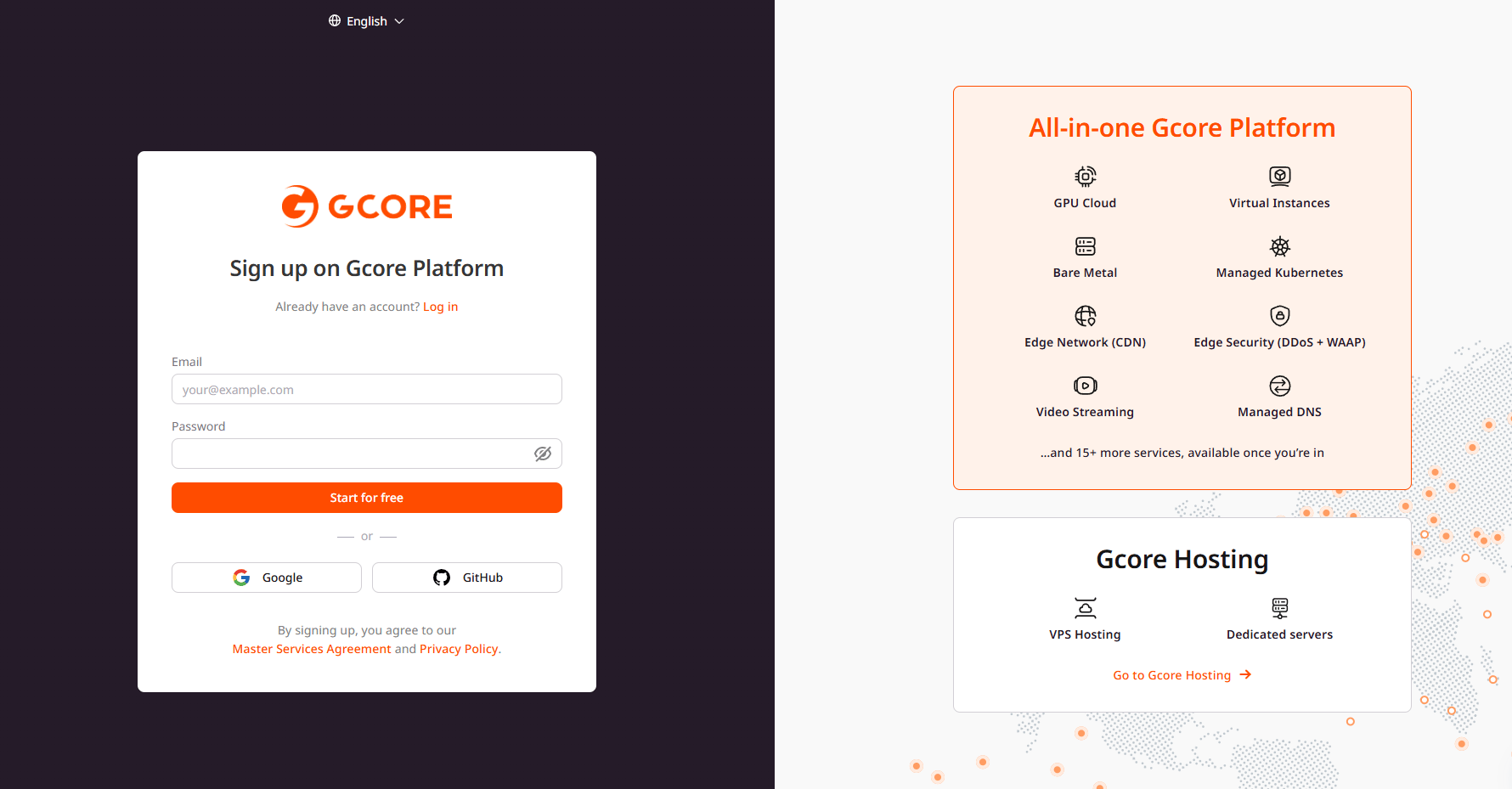
3
Confirm the email address
When signing up with email, a verification link is sent to the specified address. Click the link to confirm. If the email doesn’t appear within a few minutes, look in the spam folder or click resend the confirmation email.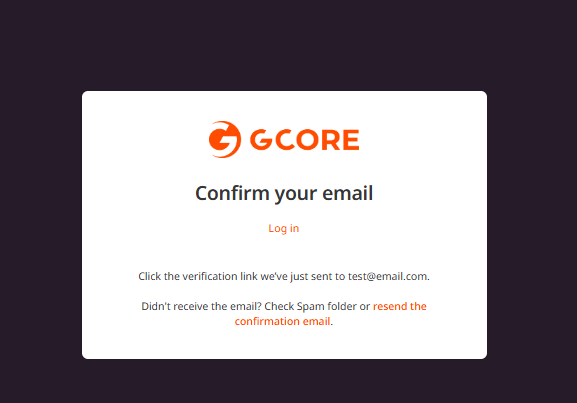
4
Access the dashboard
After confirming the email, the Gcore dashboard is available in the Customer Portal.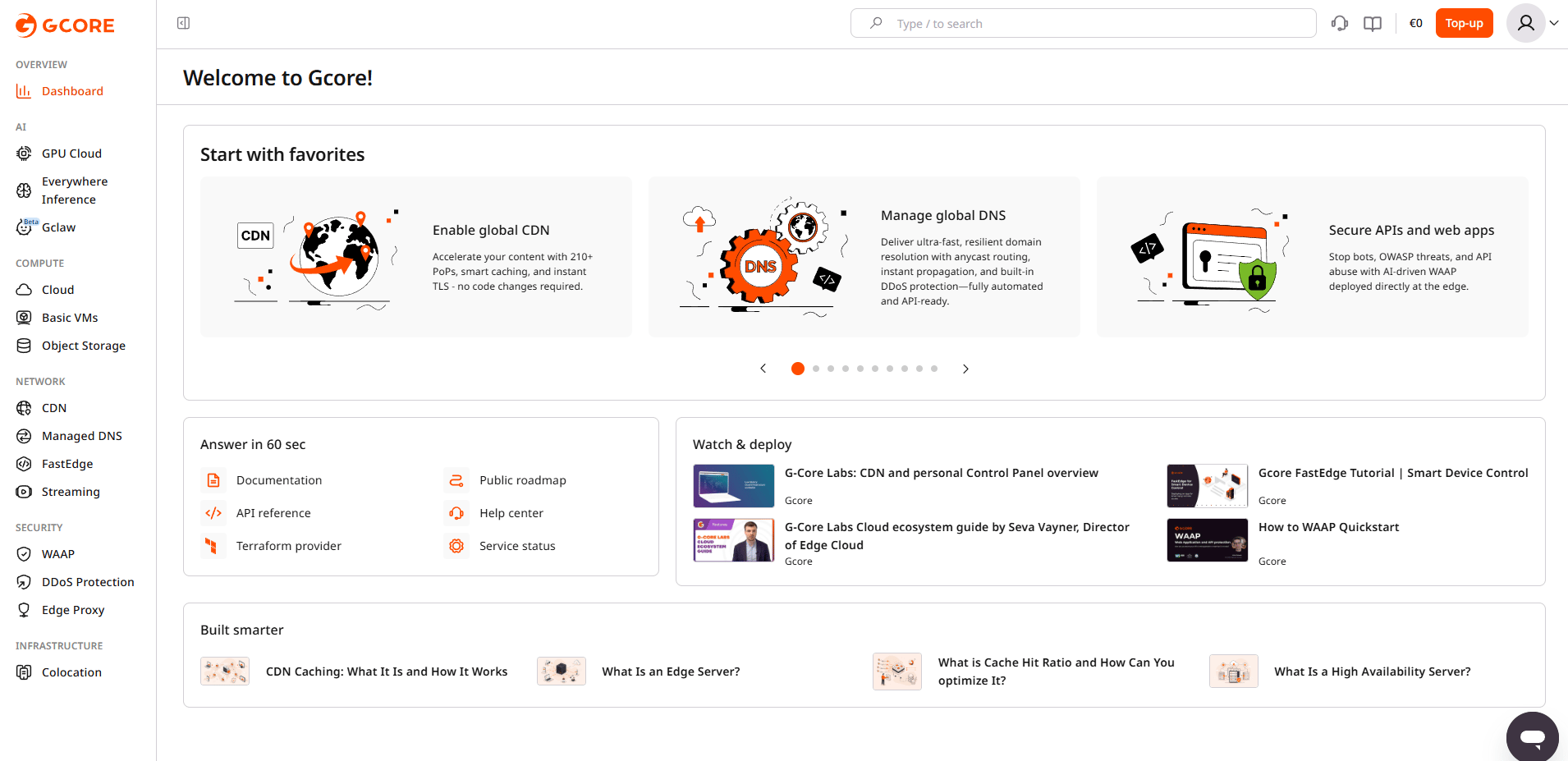
5
Activate a product
Select a product from the sidebar and start creating a resource. Before using the product, complete its activation flow — the exact prompt depends on the product. In Cloud, creating a first virtual instance shows a banner to click Activate the product.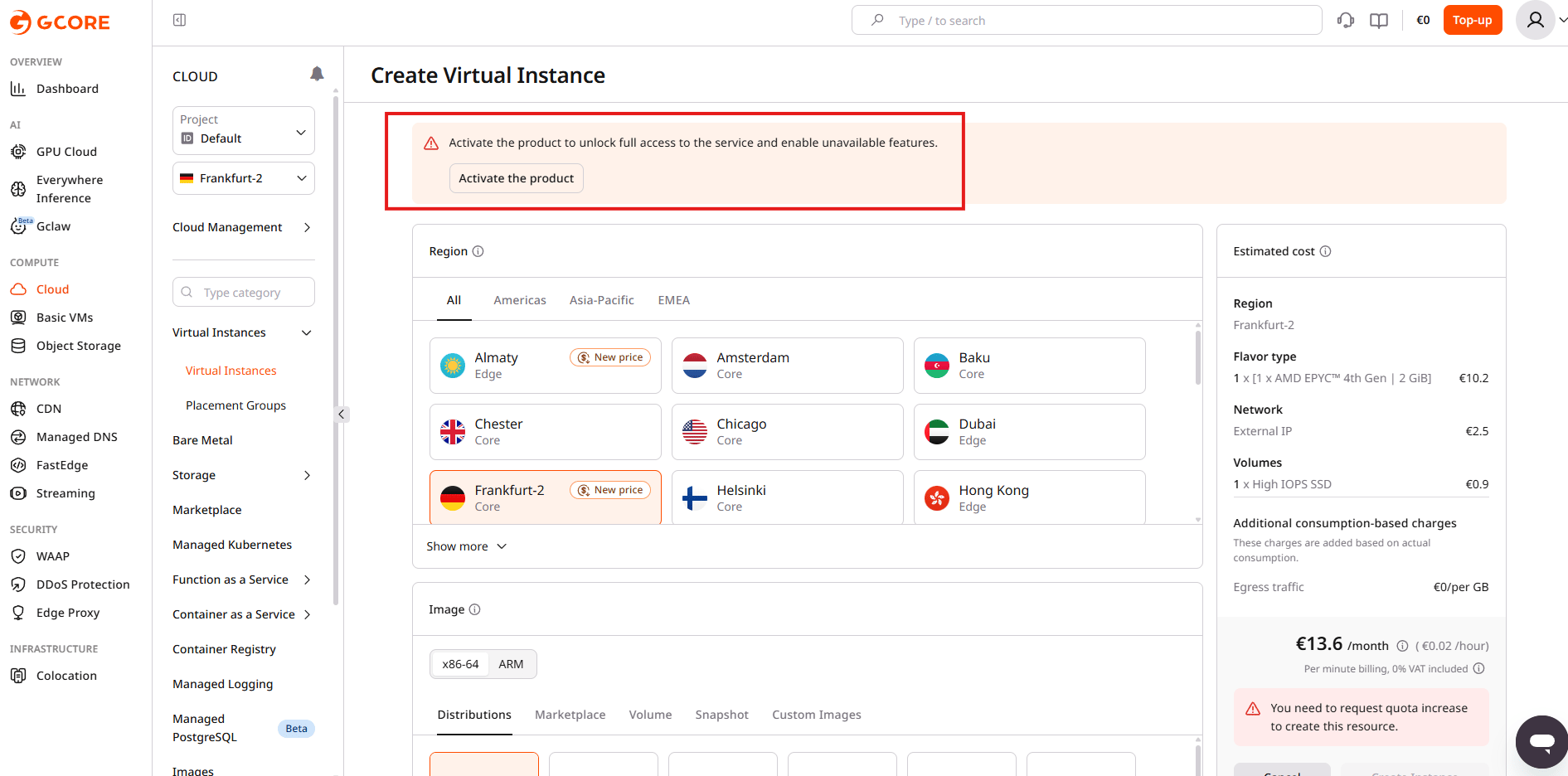
6
Add a payment method
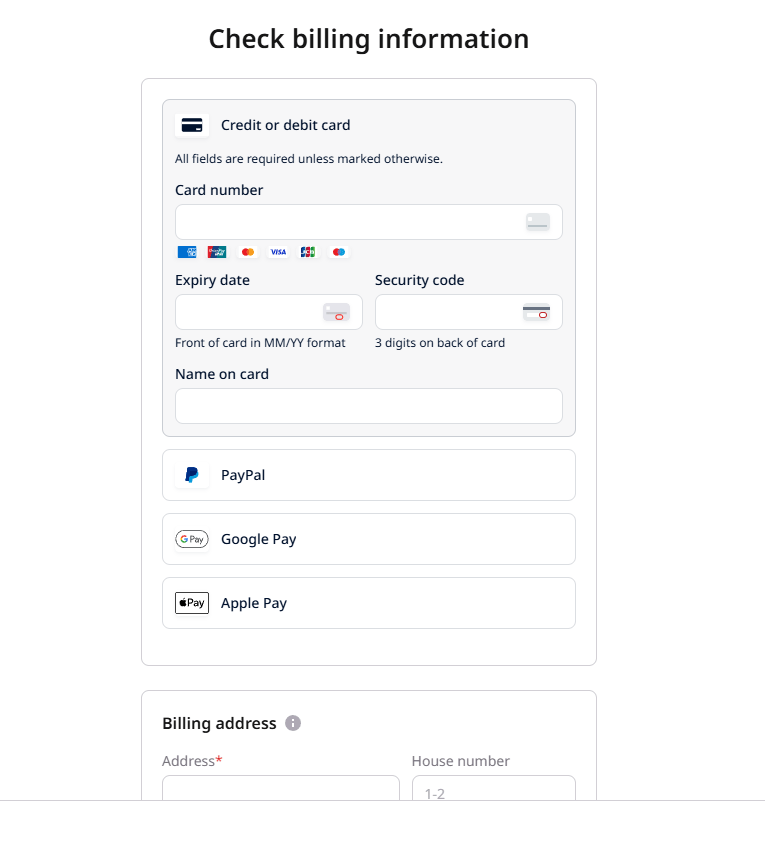
Select a payment method — Credit or debit card, PayPal, Google Pay, or Apple Pay — then enter the billing address.