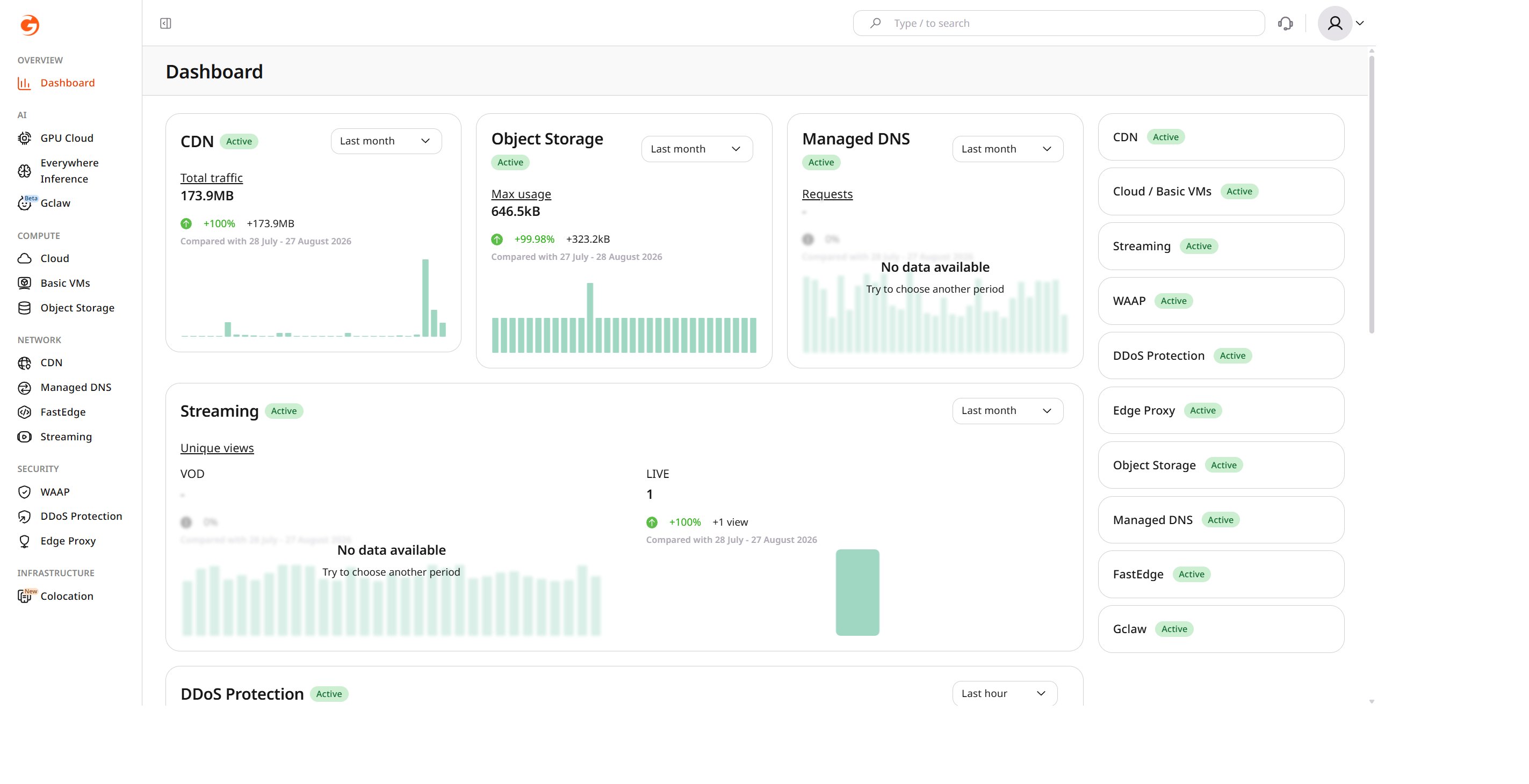
The Services page in the Gcore Customer Portal lists every available Gcore service along with its current status.

Service statuses

Each service reports one of two statuses, which determines whether it can be disabled or needs to be resumed.

Disable a service

To disable an active service: 1. Open the Services page. 2. Click the service card to expand it. 3. Click Disable service.
CDN service card expanded with the Disable service button highlighted
After disabling, the service continues running until the date shown in the Customer Portal, then it becomes unavailable. This triggers deletion of the service and its data (associated resources and settings), with complete removal following a suspension period.

Resume or activate a service

To resume a stopped service or activate a new one: 1. Open the Services page. 2. Locate the required service and click Resume service for a stopped service, or Activate service for one that is not yet in use.
Services list showing Resume service and Activate service links