Train, test, and optimize the model for inference
Before packaging a model into a container, train, validate, and optimize it for inference. Apply techniques such as quantization, pruning, or distillation to reduce computational load.Containerization
To deploy an AI model, it must be packaged into a container image that meets industry standards. While there are no strict structural requirements, the image must be compatible with the target registry and deployment environment.vLLM
vLLM is a library for large language model inference and serving. It features PagedAttention for memory efficiency, continuous batching, and acceleration via CUDA/HIP graphs and FlashAttention. It supports speculative decoding, chunked prefill, and multiple quantization formats (GPTQ, AWQ, INT4, INT8, FP8).Step 1. Choose a base image
vLLM integrates with Hugging Face and other model repositories. The latest vLLM images are available in the Docker Hub repository. Use the official vLLM base image that supports the required model architecture:Step 2. Modify and build the image
To include a specific model from Hugging Face, update the container with the required model and build the image:
linux/amd64 architecture, preventing compatibility issues on x86-64 servers.
Step 3. Push to registry
After building the image, push it to a registry:
Configuration options
vLLM provides options to adjust performance and behavior. Notable configurations include:
Combine these parameters in a single command. The vLLM documentation provides a full list of configuration options and CLI commands.
Diffusers
Diffusers is a library for running diffusion-based image generation models. Unlike vLLM, it lacks a built-in serving interface, so inference code must be implemented separately. The environment must include CUDA, cuDNN, and PyTorch. Models are available on the Hugging Face model hub.Step 1. Choose a base image
Instead of building from scratch, use official images from the NVIDIA NGC AI Catalog or PyTorch. The following Dockerfile starts with a PyTorch base image and installs Diffusers:Step 2. Implement an inference API
An API must be implemented since diffusers don’t include a built-in inference server. The following script loads a Stable Diffusion model, accepts a text prompt via API, and returns a generated image.Step 3. Create a Dockerfile
The Dockerfile includes Diffusers and the API service. If the model requires authentication, provide the token in the Dockerfile.Step 4. Push to registry
After building the container, push it to a registry for deployment: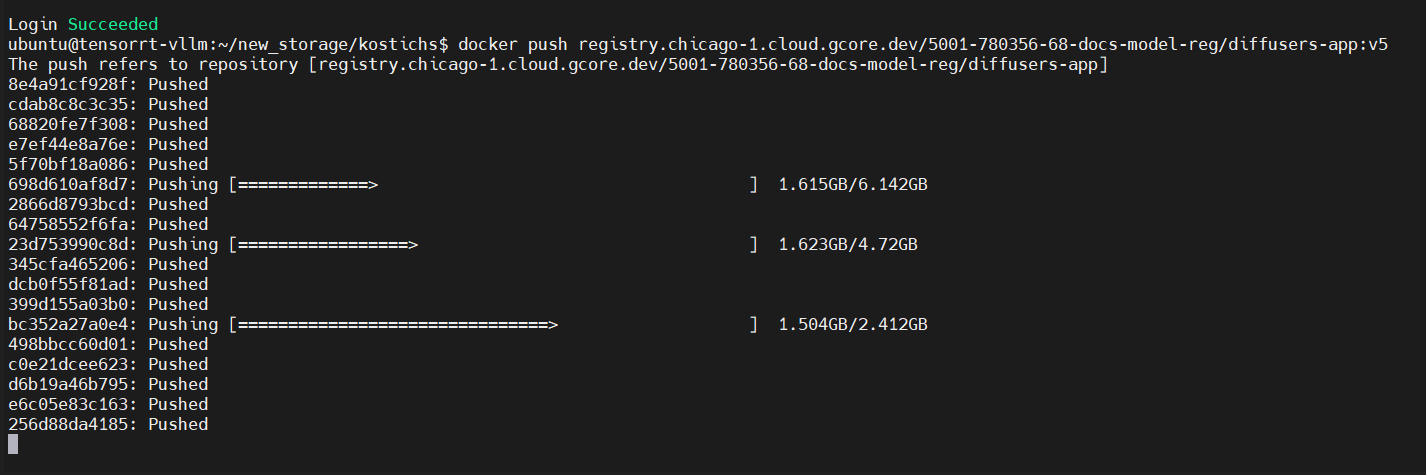
Deployment
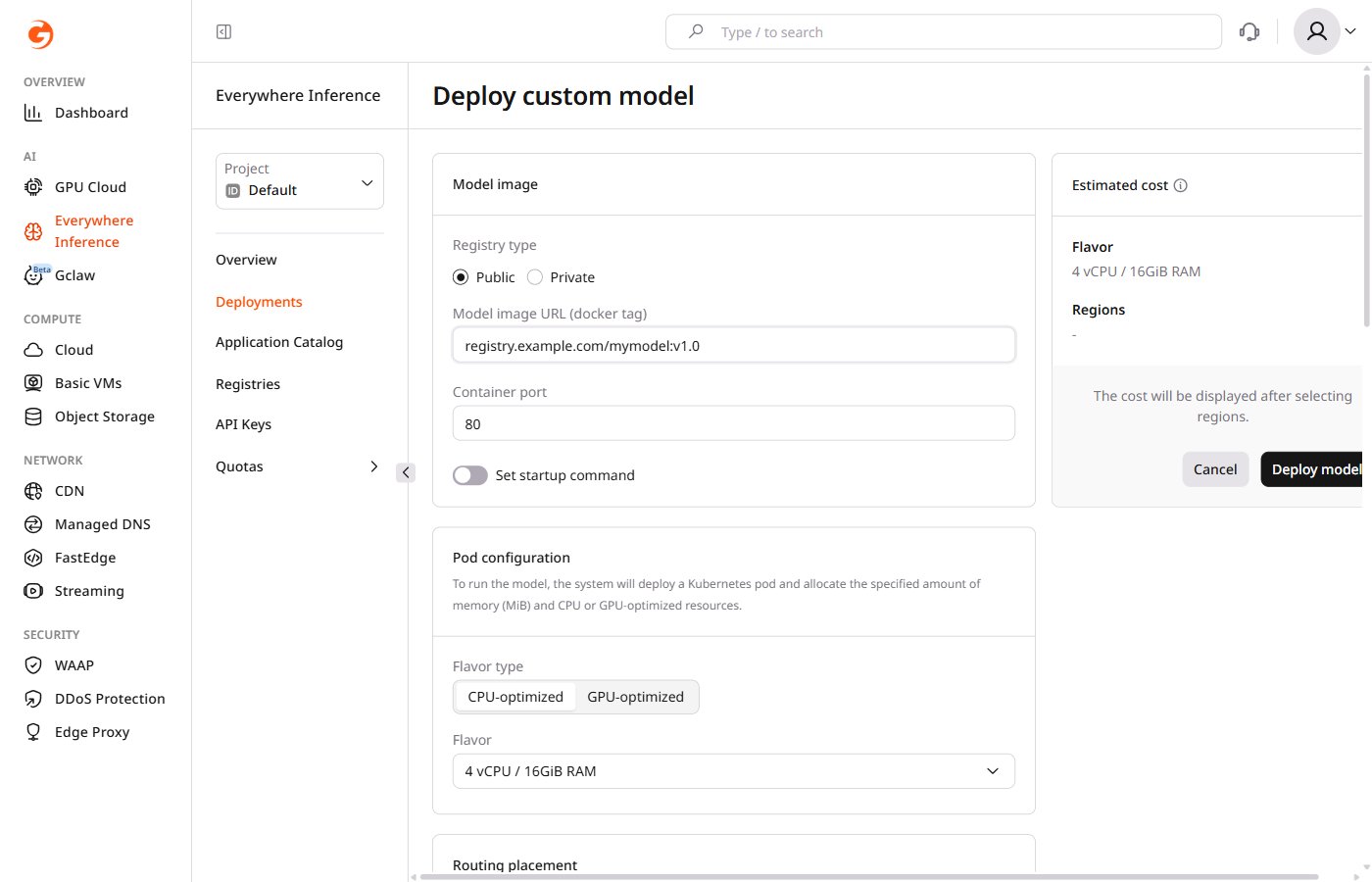
After uploading the container to a registry, deploy it using the Deploy a custom model guide. During deployment, enter the model image URL from the registry. For a private registry, provide authentication credentials — URL, username, and password — as described in adding a container image registry.