

1
Enable IPv6
Contact support to enable IPv6 for the account. After IPv6 is enabled, every virtual server receives a dedicated IPv6 subnet. The first address from this subnet is assigned automatically to the server’s primary network interface.
2
View the assigned address
Navigate to the Virtual machines tab in VMmanager 6 and expand the all 2 menu in the IP address column.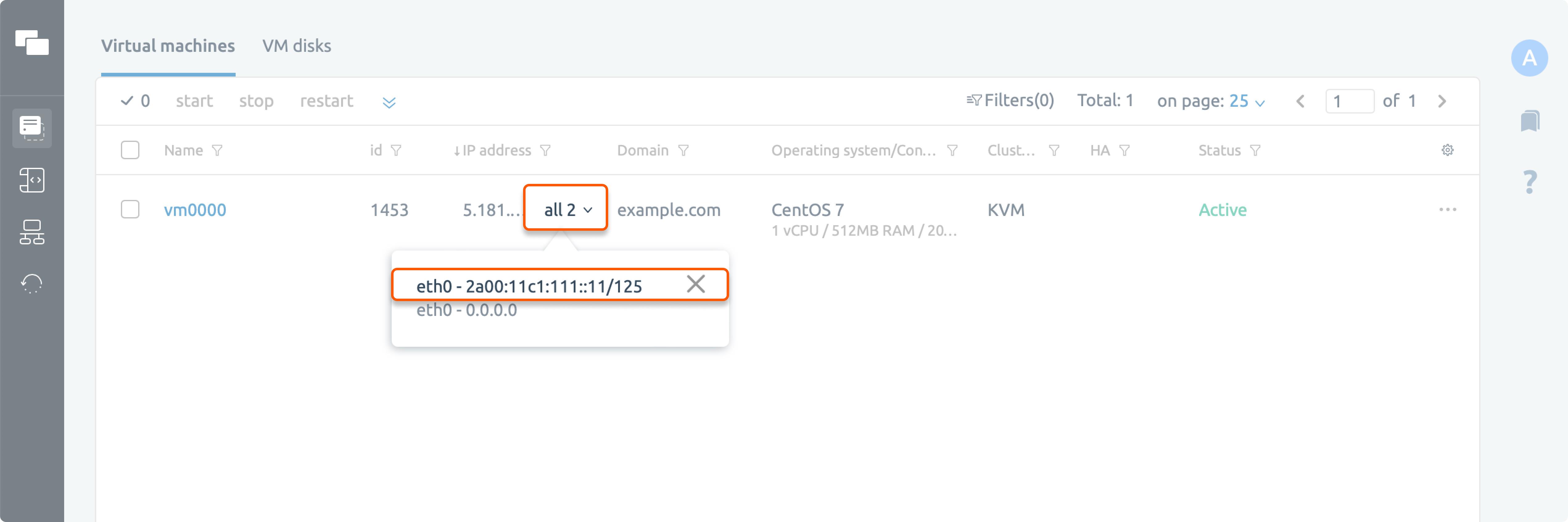
3
Configure additional addresses
To use additional IPv6 addresses from the assigned subnet, configure them manually in the operating system.