- PayPal
- Bank transfer
- Bank card or Alipay
PayPal charges a commission of 0.35 EUR + 3.41% of the payment amount.
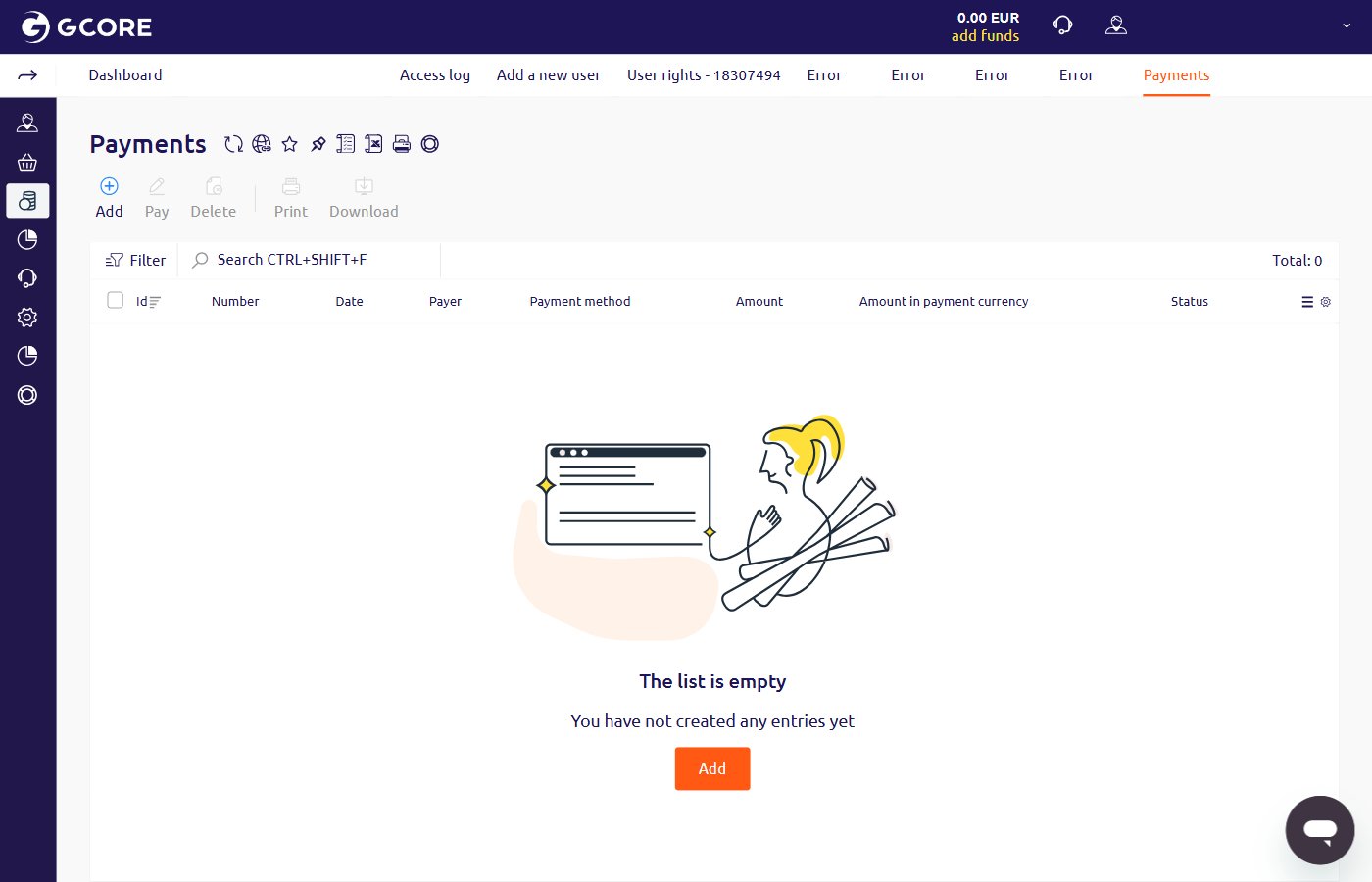
1
Log in and open Add funds
Log in to the Hosting Portal. On the Home page, click Add funds in the Quick access section. The account provider is shown in the Information about account section on the same page.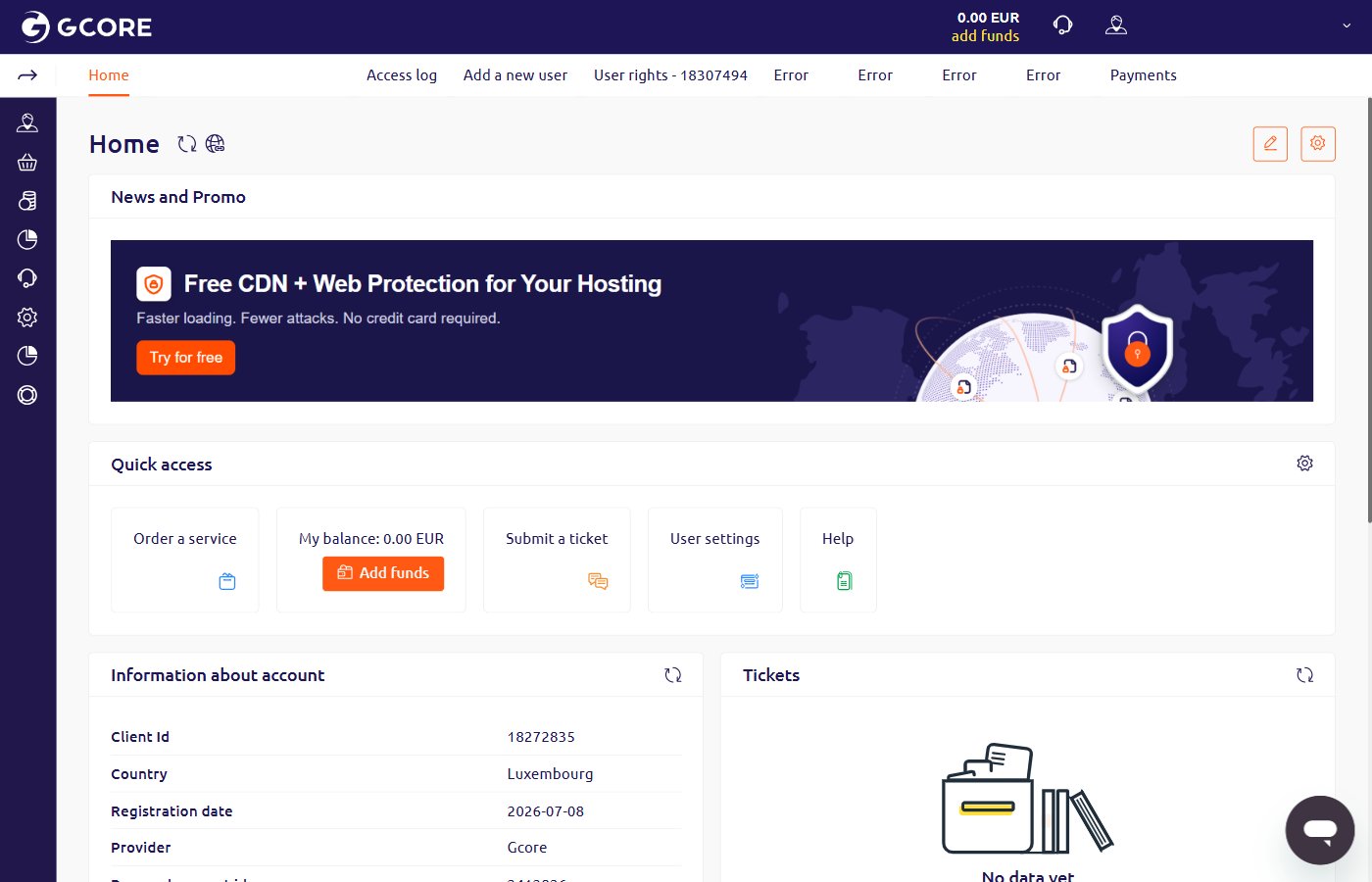
2
Select a payment method
Enter the amount and select the currency. Find PayPal and click Pay.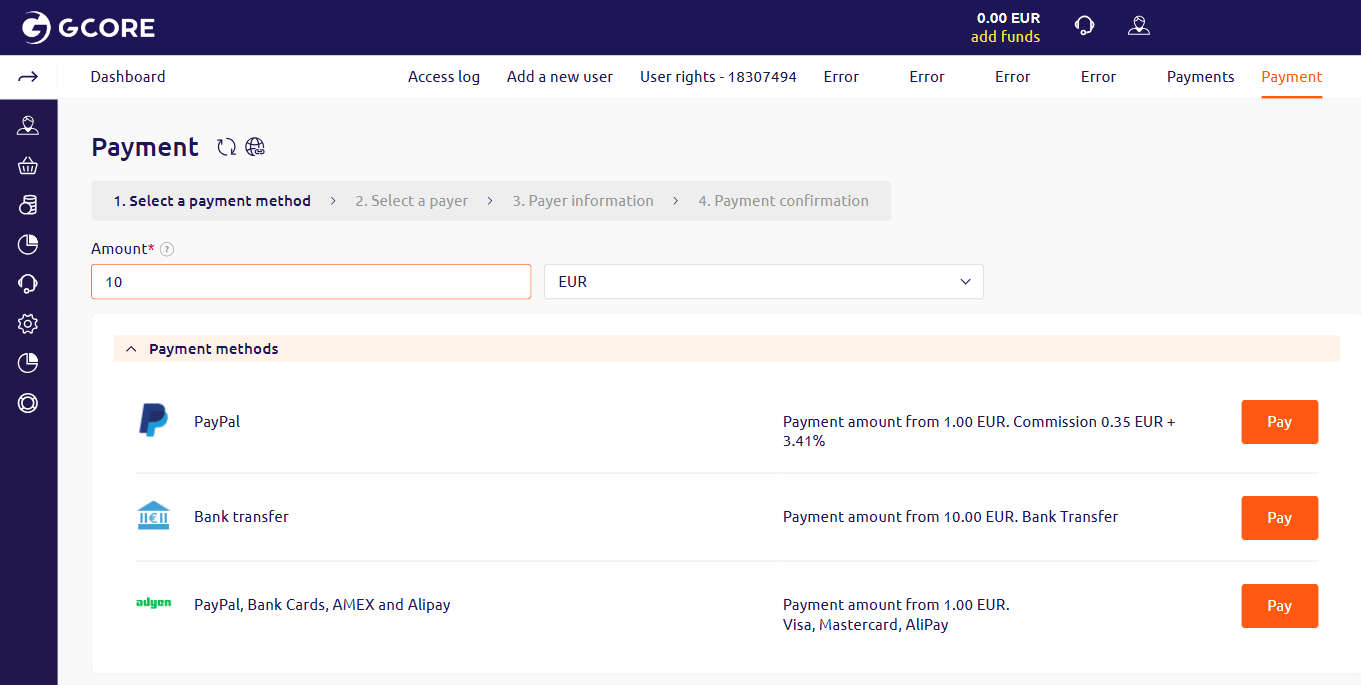
3
Select a payer
From the Payer dropdown, select an existing payer or choose Add new. Select the Country and Payer status (Individual or Company). Click Next >>.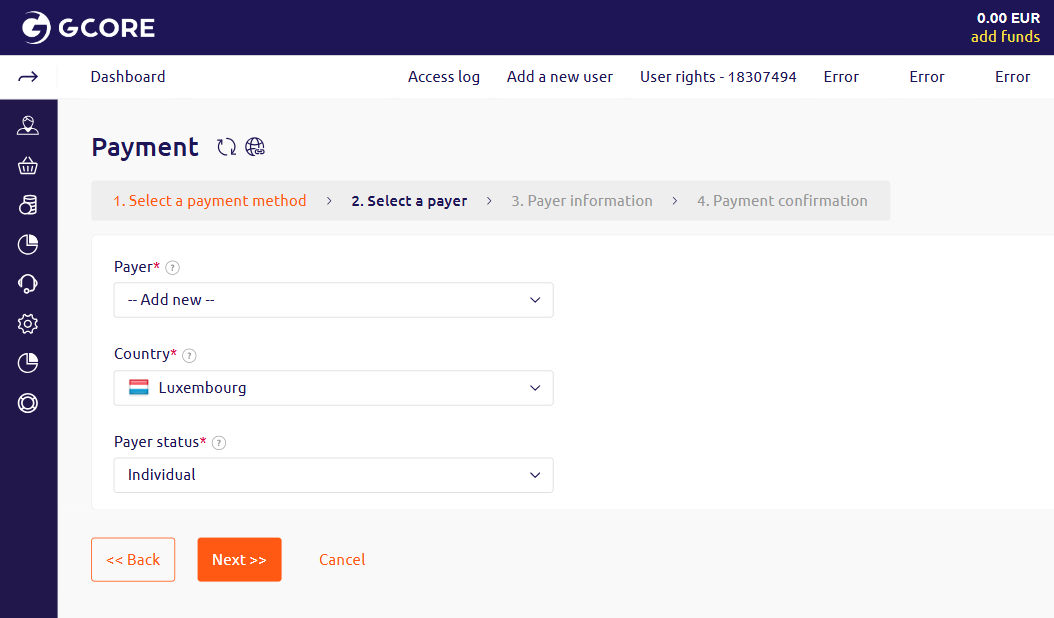
4
Enter payer information
The Payer status field is pre-filled from the previous step. Enter the Contact person name and Email address. Under Actual address, select the Country. Click Next >>.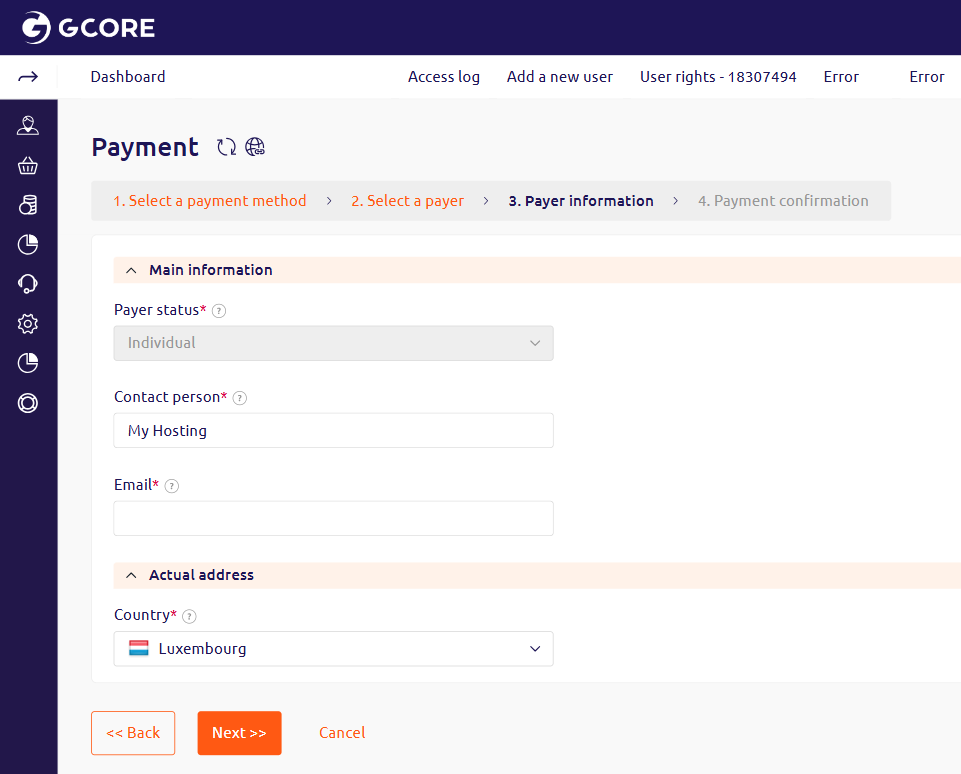
5
Confirm and pay
Confirm the payment amount, including the PayPal commission, and click Pay.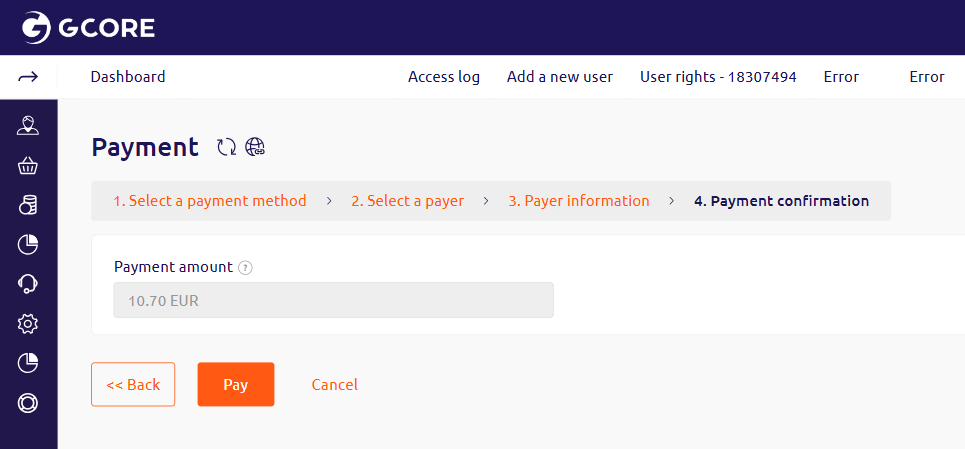
6
Complete the payment
Log in to the PayPal account, or select Pay by Debit or Credit Card to pay as a PayPal guest, and complete the payment.