Payment via PayPal, bank card, AMEX, and AliPay
The following errors may occur when paying via PayPal, a bank card, AMEX, or AliPay.Insufficient funds
An “Insufficient funds” error means the account balance is too low. Recharge the balance before attempting the transaction again.Transaction declined by the security system
If a transaction is declined by the payment service’s security system, Gcore cannot assist with resolving this. Contact the support team of the payment service provider or try a different payment method.Unsupported payment method for the selected currency
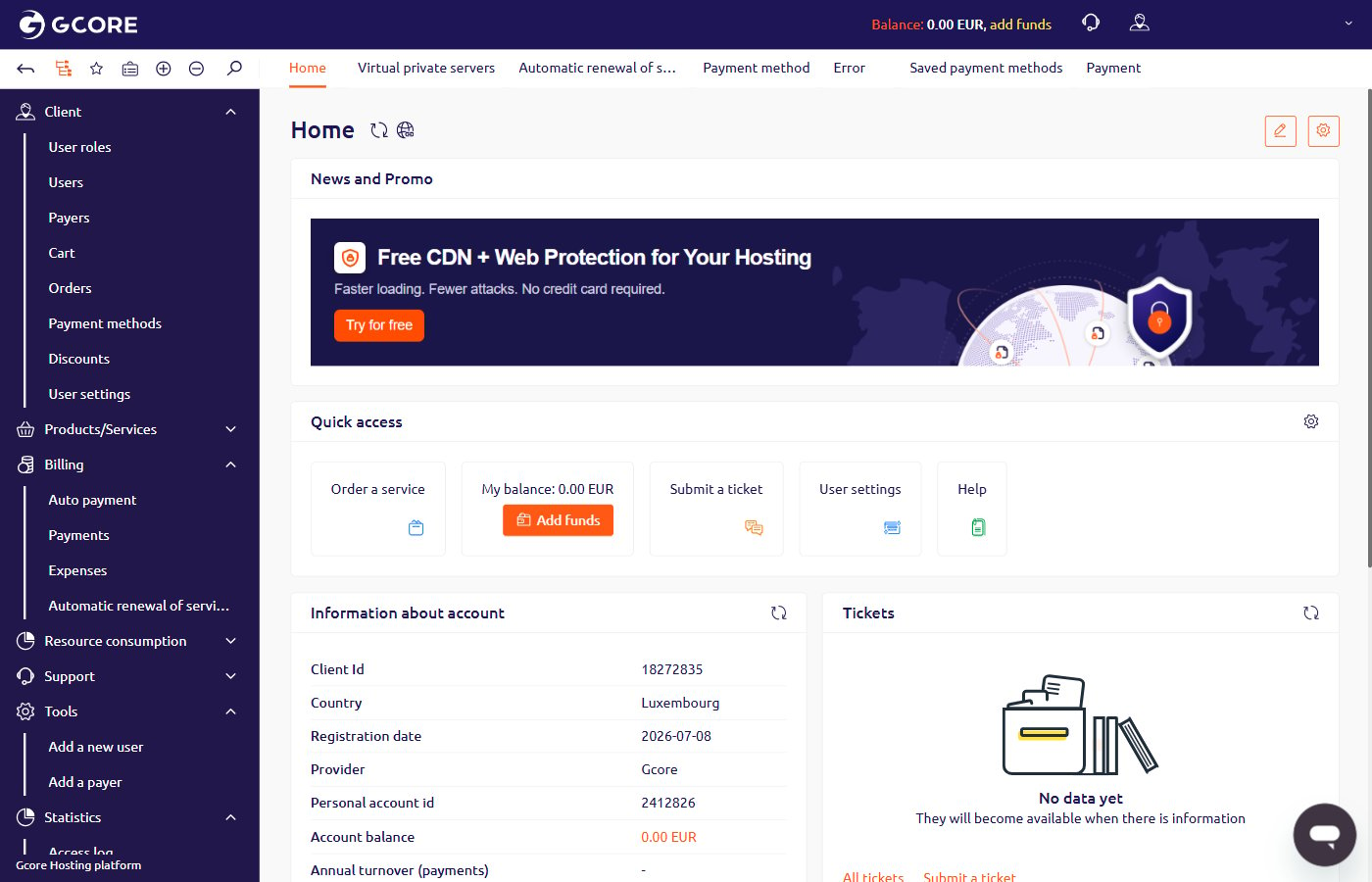
Each payment provider supports specific currencies. To check the provider for the account, open Dashboard and find the Information about account section.- For payments in EUR, the provider is Gcore.
- For payments in USD, the provider is Gcore USD.