1
Open the server in VMmanager
Log in to the Hosting portal and navigate to Products/Services > Virtual private servers.Select the server row by checking its checkbox, then click To panel in the toolbar. VMmanager opens in a new tab.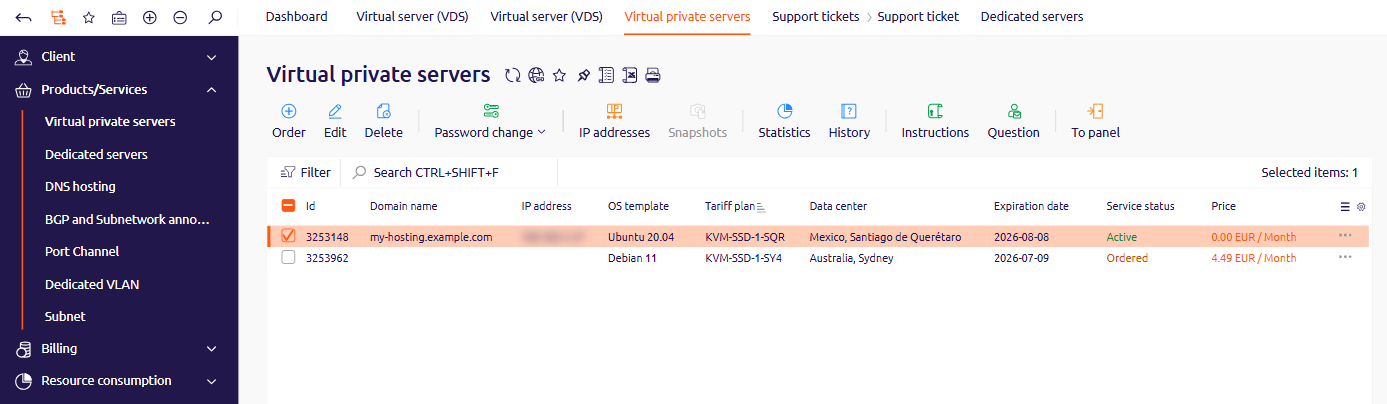
2
Open the VNC console
On the VM page, click VNC in the top right corner of the VMmanager header.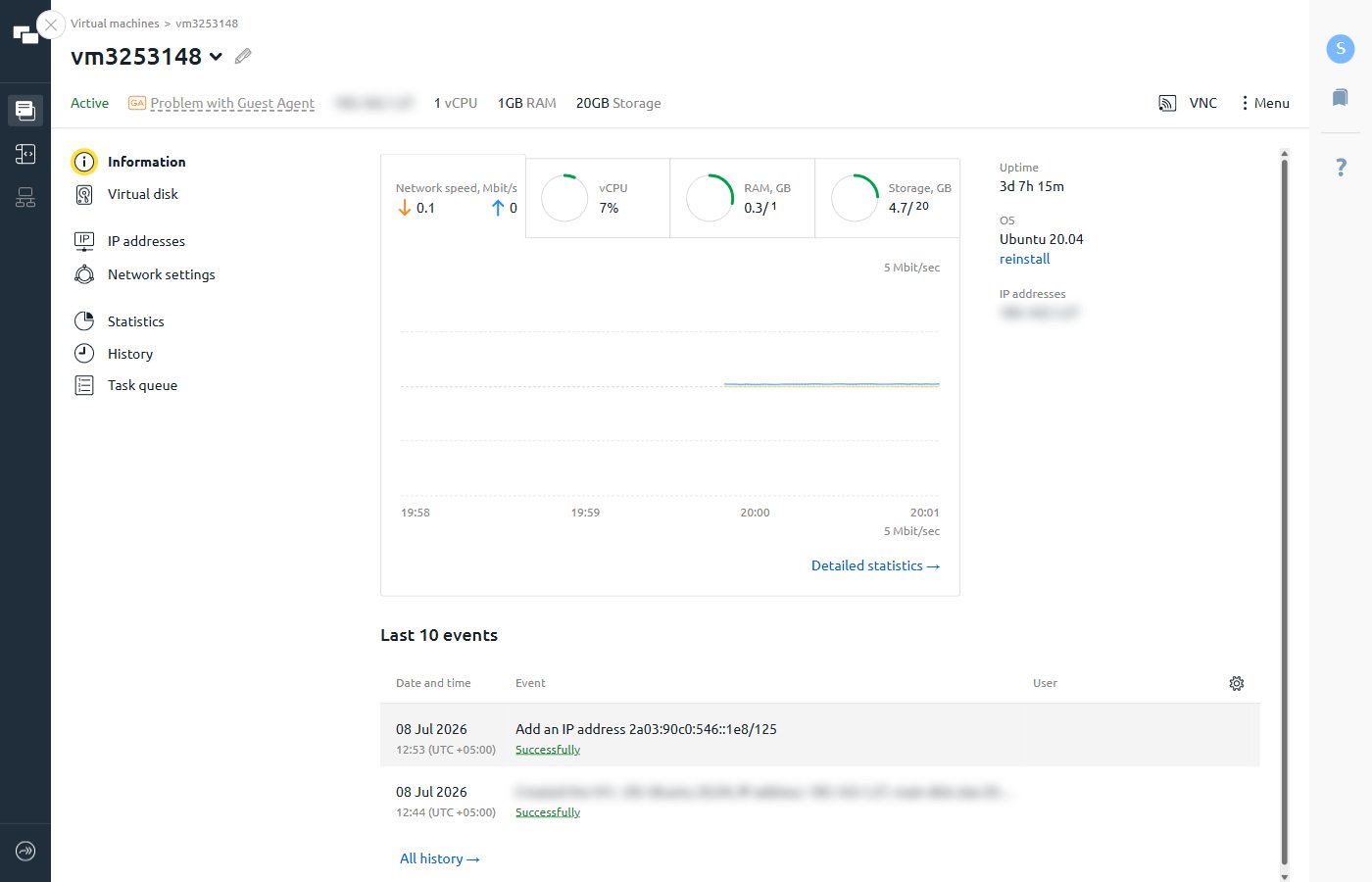
3
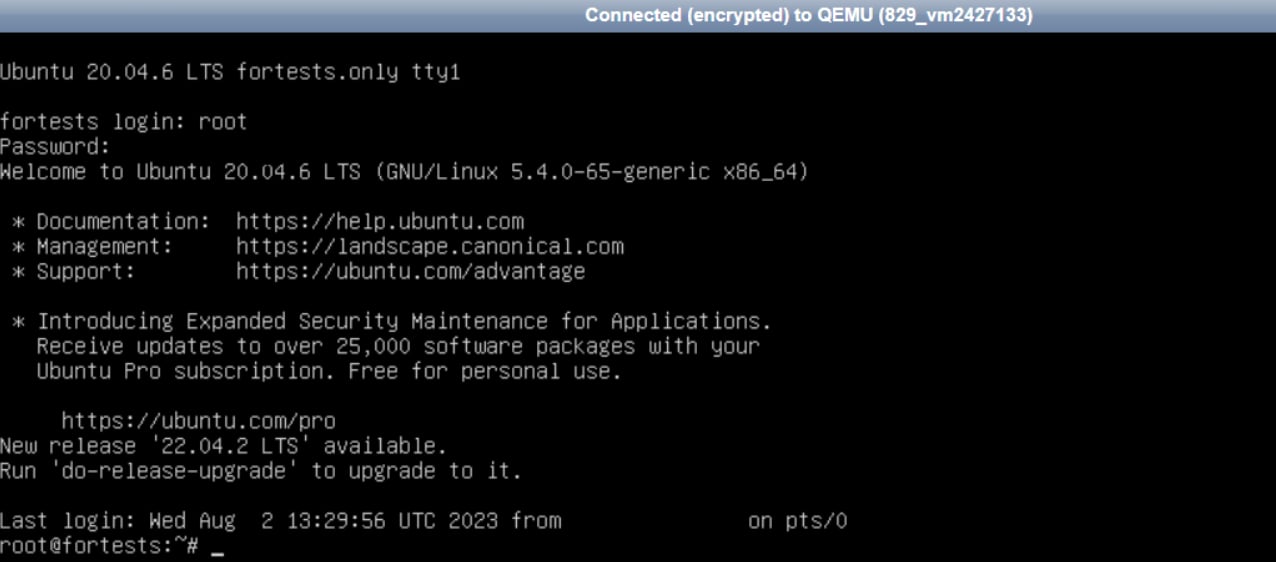
Log in to the server
At the login prompt, enter the Username and Password for the server. The credentials appear in the activation email sent after provisioning and in the Instructions tab in the Hosting portal toolbar.